Pricing a Pokemon card at the table
Scan the card and Comped shows a market value from recent sales for that exact card. It reads the character, year, set, card number and parallel. A Charizard ex 199/165 from Scarlet and Violet 151 is priced as that card, not another Charizard. For a slab, the grader, grade and cert number are read too.
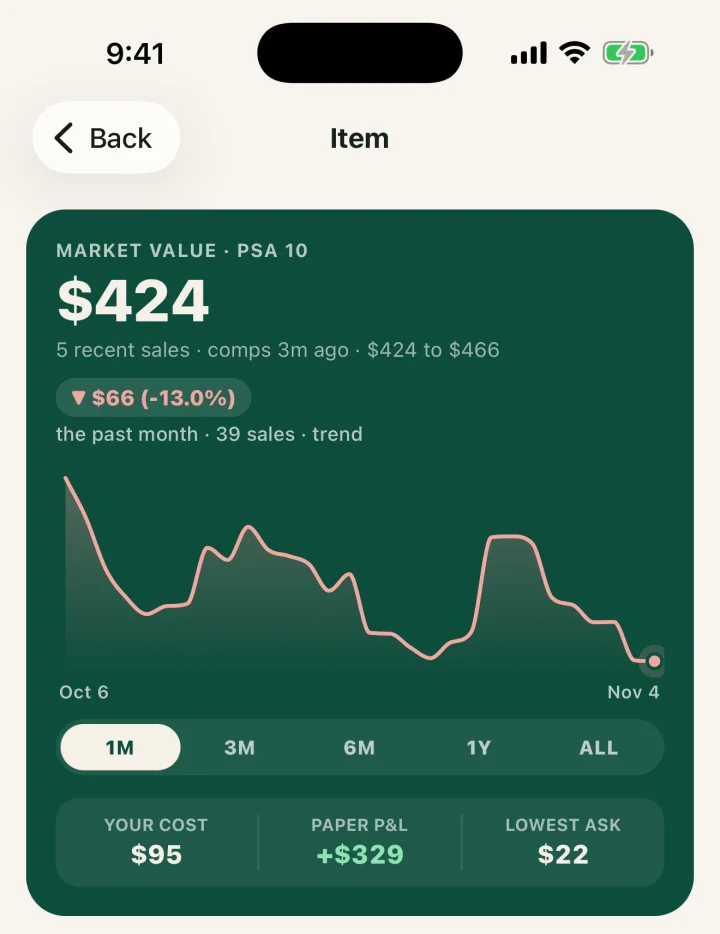
The card's page puts the answer in one place: the market value, how many recent sales it rests on, a price line, and what is for sale right now with the lowest ask first. The screens on this page are the current app with demo data.
For a slab you can skip the camera. Pick the grader and type the cert number, and Comped pulls the cert record. Searching for a card by name works too, and it does not use a scan.
The market value is where an offer starts, not the offer. The buy percentage calculator turns it into a cash number. The guide on how to price cards for a card show covers the sticker side.
AN EXAMPLE BUY AND SALE, NOT REAL PRICES
A customer offers you a raw Giratina V alternate art, 186/196 from Lost Origin. The numbers are made up to show the steps.
Trades, with or without cash
A trade goes on the Trade screen, not in as a buy. Pick the cards you give from inventory and set the value agreed for each. Choose No cash, I paid or I got cash. Then add the cards you get, by scan or typed in.
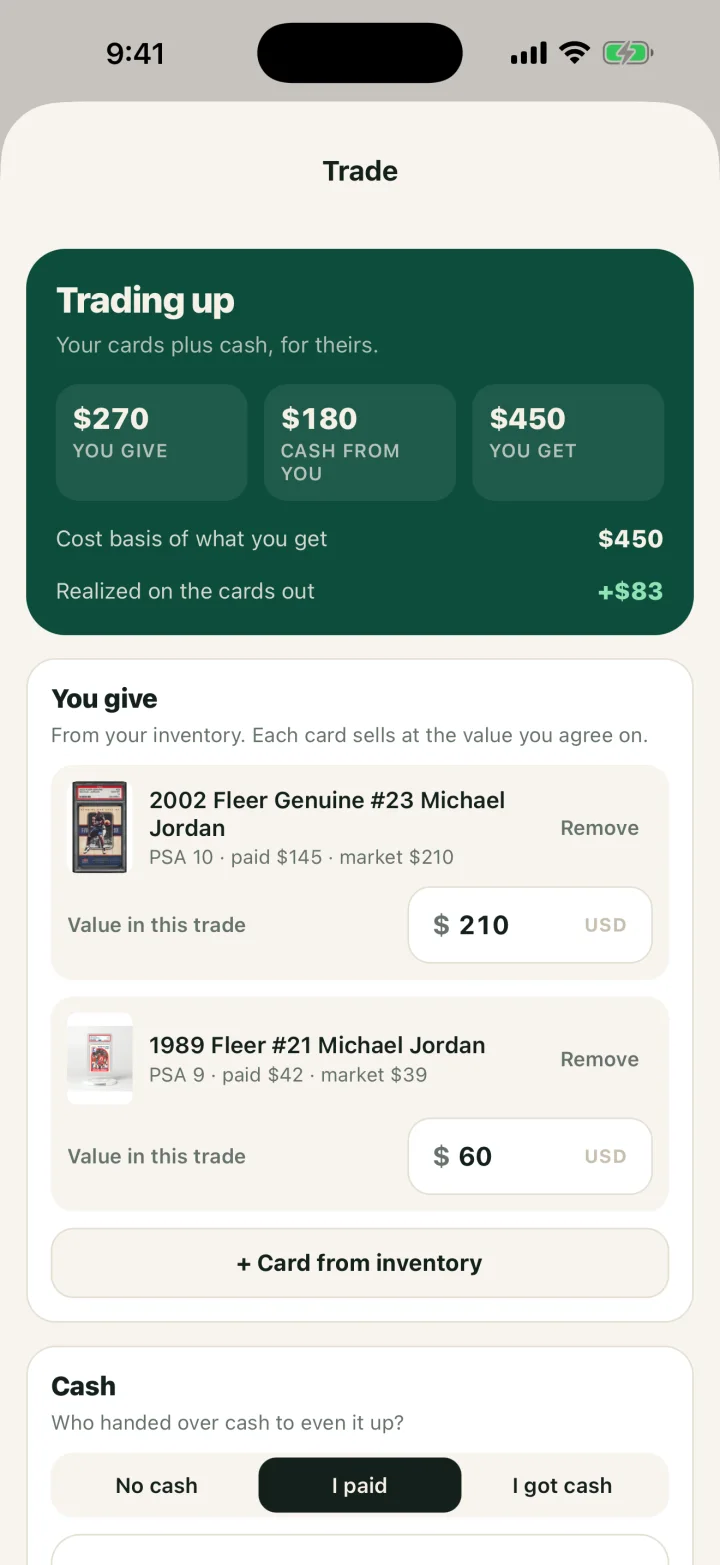
Comped then shows two numbers a vendor needs. The first is the cost basis of what you get, which is what you gave for it. The second is the gain or loss realized on the cards going out. The IRS treats a trade as barter, so those cards count as sold that day.
Inventory for binders, slabs and show boxes
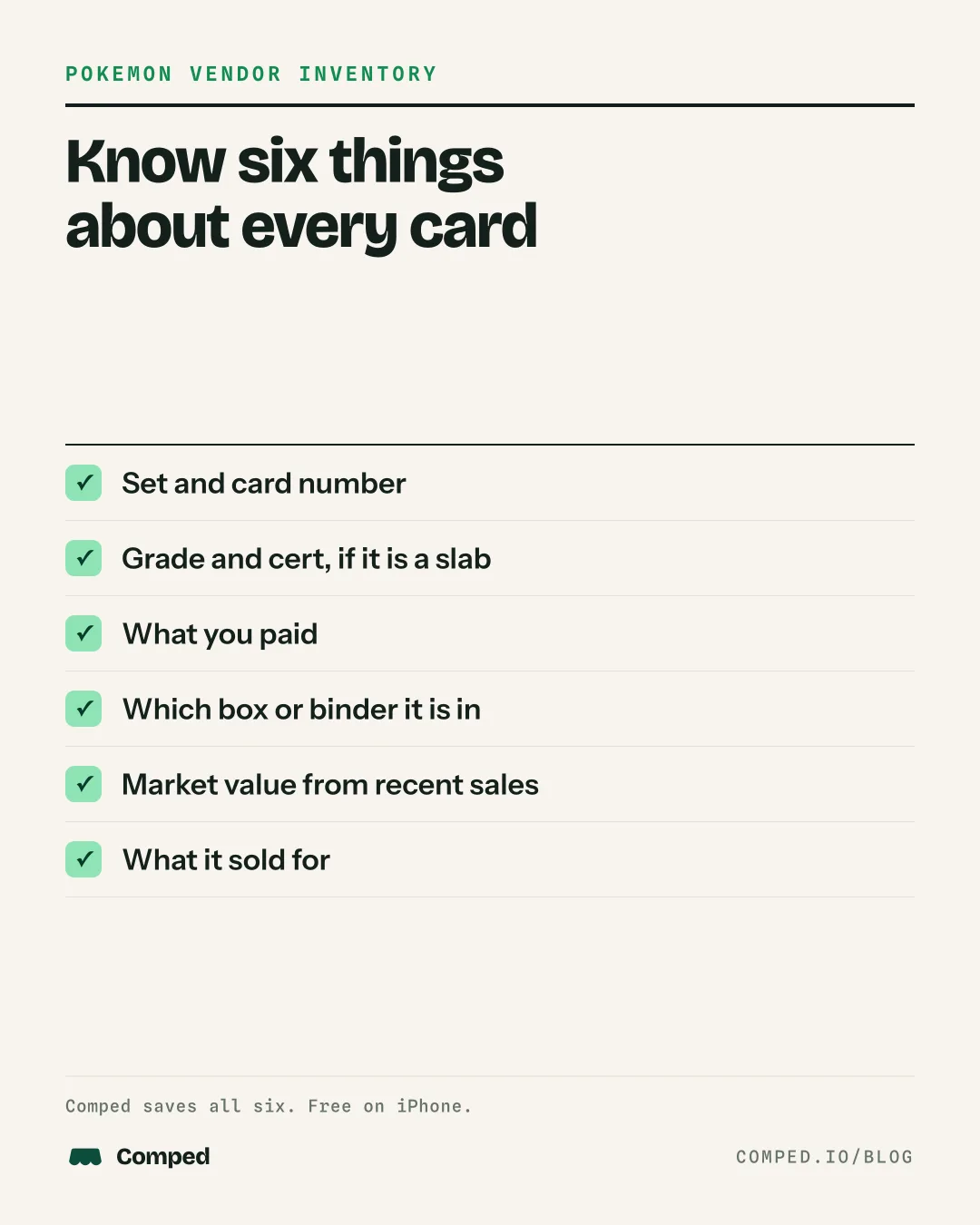
Every card you record as a buy lands in the Inventory tab with its current value and the gain or loss against what you paid. Raw cards and slabs sit in the same list, and a raw card can be added as several copies at once.
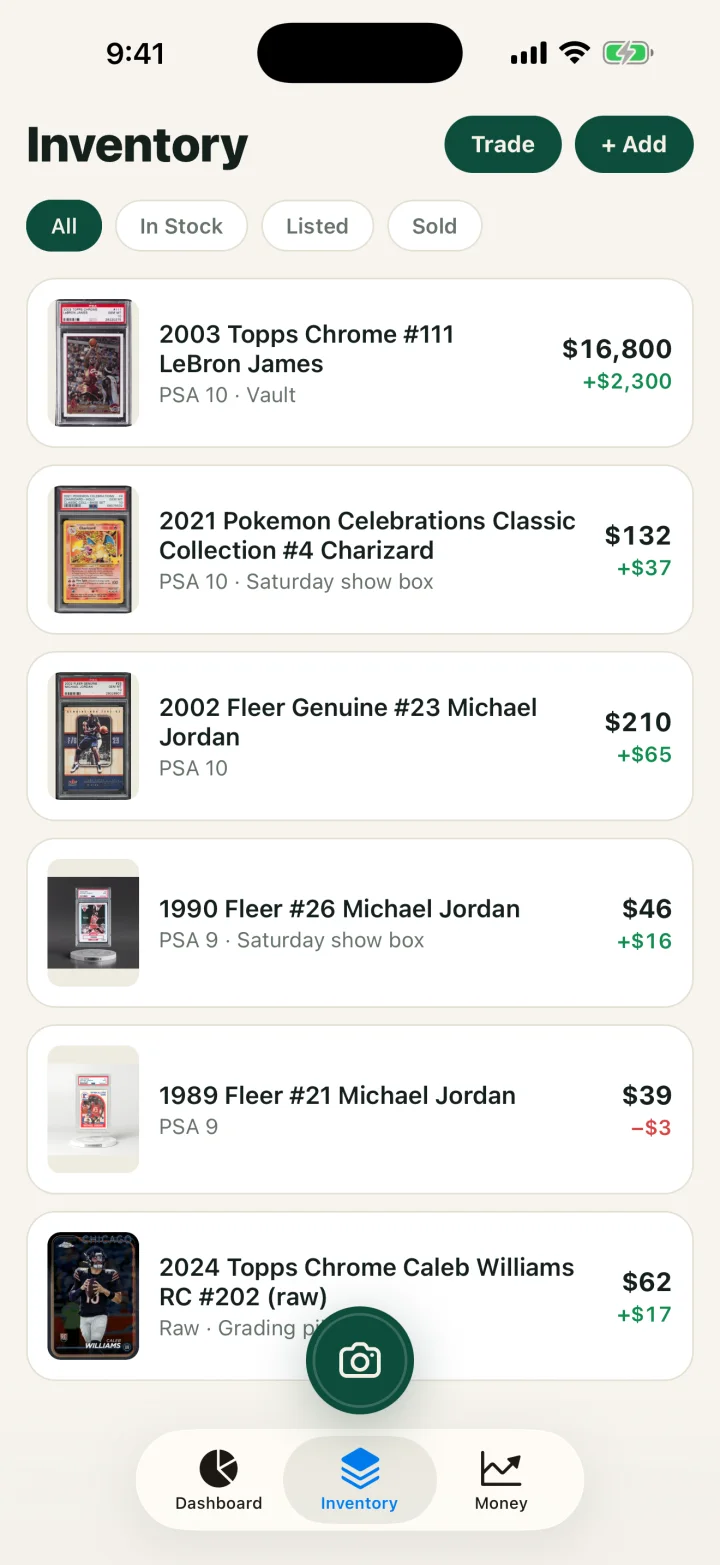
The show box field records where a card is stored. A vendor with a slab case, two binders and a dollar box can note which one holds the card. When the card sells, Comped matches it by cert number first, then by description, and marks it sold.
Buying a whole binder or a collection for one price needs one extra step. Split the price across the cards with the cost basis calculator, then enter each card worth tracking with its share. For a paper list at the table, the card show inventory sheet is a free download.
The books behind the table
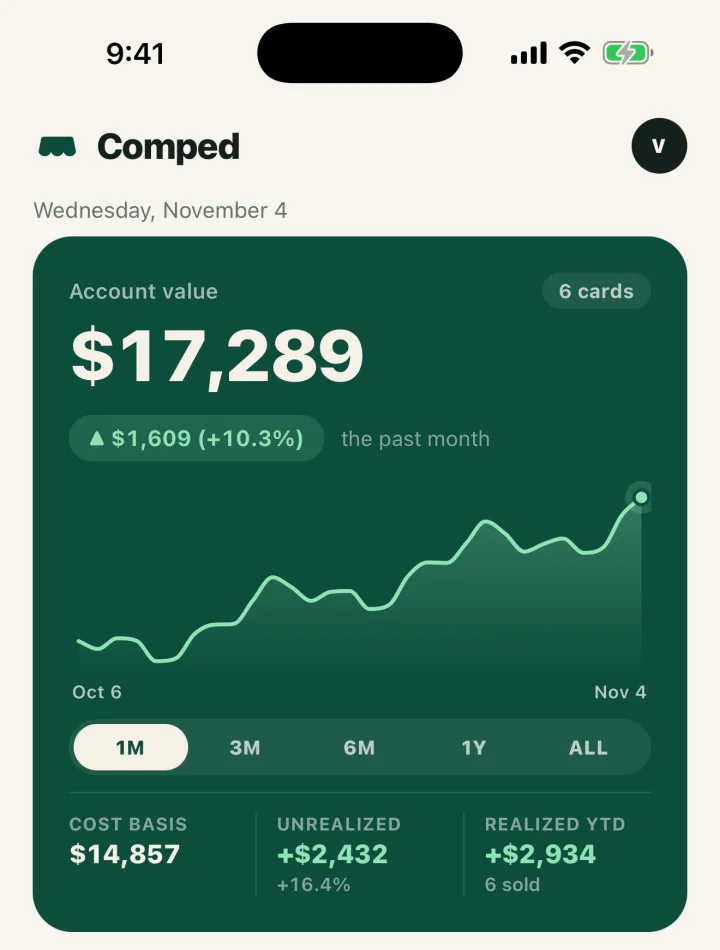
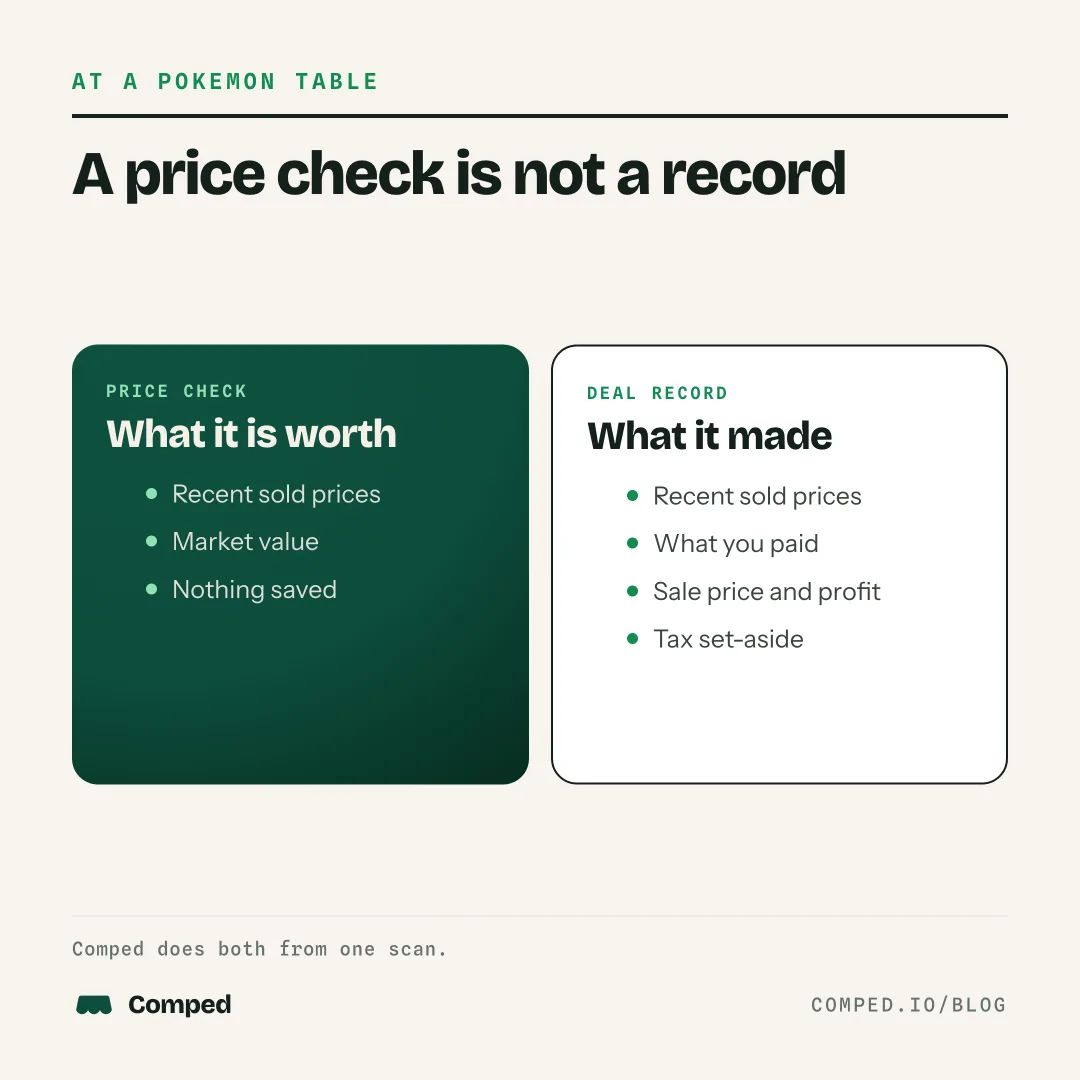
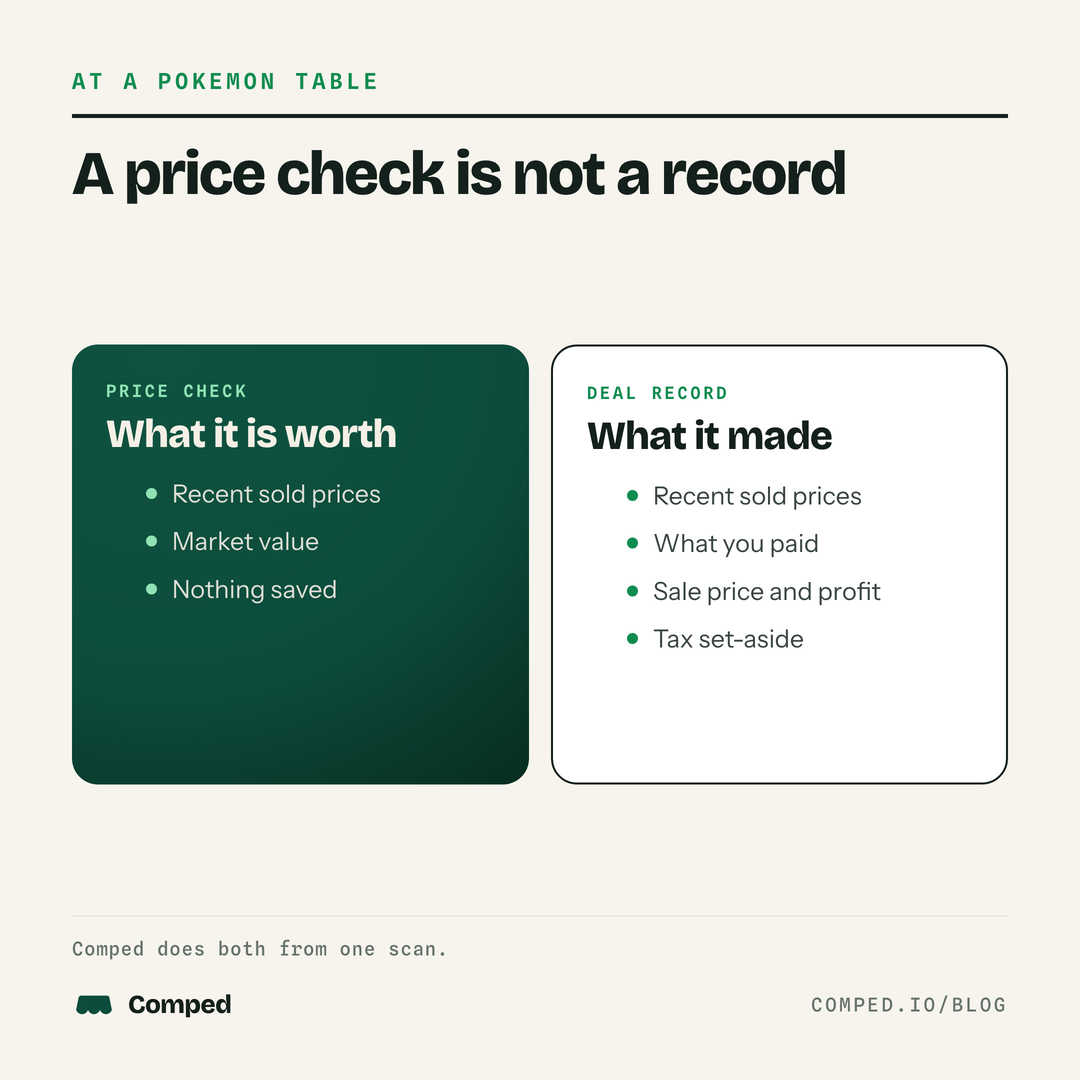
For a Pokemon vendor, the buy recorded at the table is the tax record too. Comped saves what you paid when you buy the card, so the profit figure and the tax records come from the same entry. The home screen adds it up: what your cards are worth, what they cost, and what you have realized this year.
Write-offs sit beside the deals: table and show fees, travel and mileage, grading fees, supplies, shipping and postage, and subscriptions and tools. The Money tab shows realized profit by month or year with a set-aside estimate at 25% of it, and exports the year as a CSV for a preparer. The guide to selling Pokemon cards and taxes explains what a vendor owes, and the write-offs guide covers what counts.
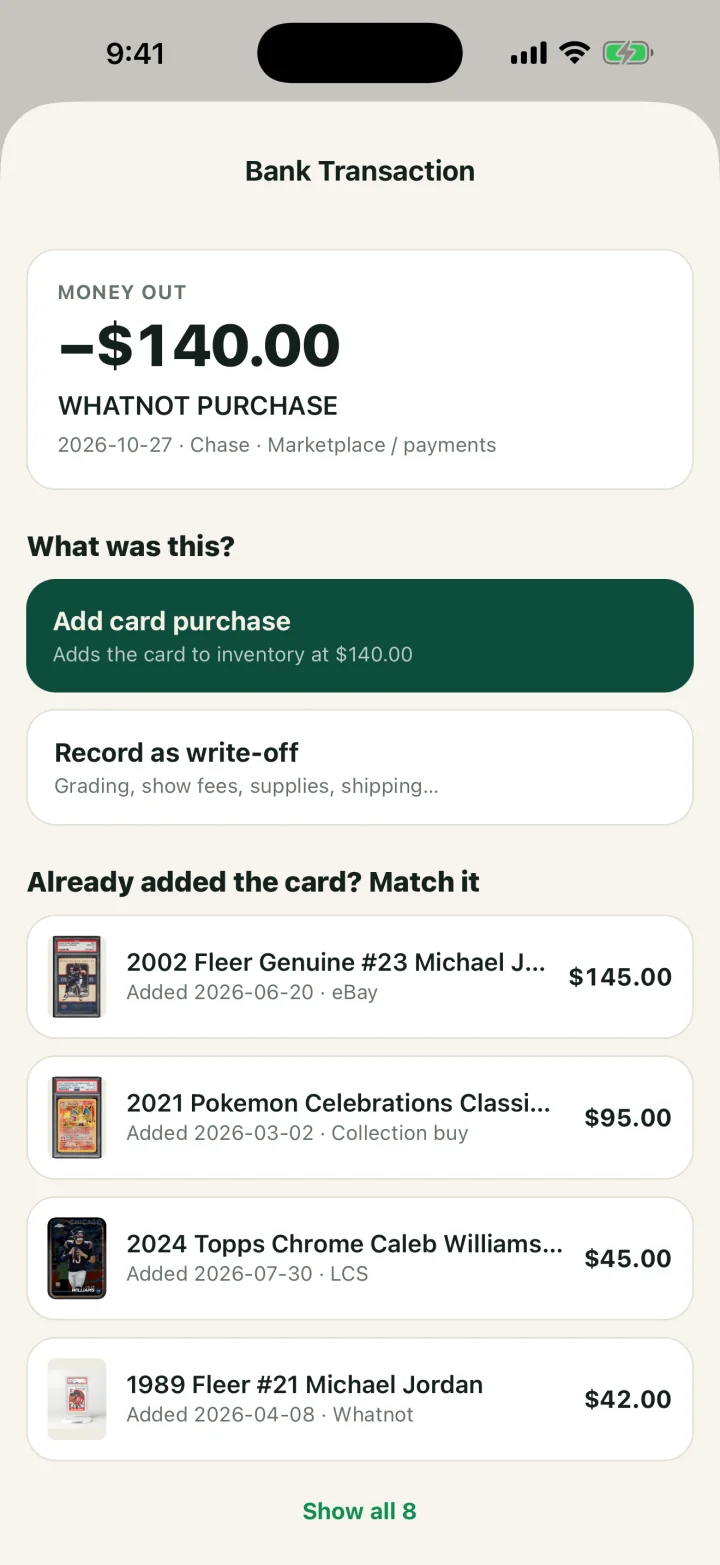
Stock bought online does not need typing twice on Pro. Link a bank account, and Comped flags payments that look card related. Tap one to add the card to inventory at that amount, record it as a write-off, or match it to a card you already added.
What it records for a Pokemon vendor
Comped covers pricing, inventory and the books. The table sorts each job by the question a vendor asks.
| The vendor's question | Where the answer is in Comped | Plan |
|---|---|---|
| What is this card? | Camera scan, photo upload or name search | Free: 5 scans a week. Pro: unlimited |
| What is it selling for? | Market value from recent sales, a price line and current listings | Free and Pro |
| What did I pay for it? | The buy record: price, venue, date and photo | Free and Pro |
| What does this trade do to my cost? | The Trade screen | Free and Pro |
| Which box is it in? | The show box field on the inventory card | Free and Pro |
| What did I make this month? | The Money tab, by month, year or all time | Free and Pro |
| What do I hand my preparer? | Export taxes, a CSV for the year | Free and Pro |
| What went through the bank? | The bank link, which flags card purchases and sales | Pro |
Who it suits and what it does not do
Comped suits one Pokemon vendor with an iPhone who wants to know what each card cost and what the table made. It is a record of deals, not a register, and these are its limits.
- iPhone only. There is no Android app and no web version.
- One card per scan. It does not read a full binder page in one photo.
- One market value per card and grade. It does not show a separate price for each raw condition.
- No scan or price for sealed product.
- No card payments, no price labels and no receipts emailed to buyers.
- No team accounts.
- No sales tax field or filing, and no tax return. It keeps the records; a preparer or filing software does the return.
Price
The free plan includes every record, trades and the tax export, with 5 scans a week that reset each Monday. Pro is $16.99 a month or $99 a year. It adds unlimited scans and the bank link.
Related guides
- Selling Pokemon cards and taxes: what a Pokemon vendor owes in 2026.
- Card show buy percentage calculator: from market value to a cash offer.
- Card show vendor checklist: what to pack and what to record at a show.
FAQ
Is there an app for Pokemon vendors?
Yes. Comped is an iPhone app that prices a Pokemon card from recent sales. It keeps inventory with the cost of each card, records trades, and shows profit after fees and write-offs.
What is the best app for pricing Pokemon cards at card shows?
It depends on what you need after the price. Comped shows a market value from recent sales and then records what you paid, so the price check becomes a deal record. A vendor who needs a full binder page priced in one photo should look at a scanner built for that.
Does it price raw Pokemon singles or only graded cards?
Both. A raw card is matched by character, set, card number and parallel. A slab is matched by grader, grade and cert number.
Can I use it as a Pokemon vendor inventory app without Pro?
Yes. Inventory, buys, sales, trades, write-offs and profit are on the free plan. The free plan limits camera scans to 5 a week, and cards typed in or searched by name do not count.
Can I track my sales at a card show?
Yes. Record each sale as it happens with the price and the show's name. The sale takes the card out of inventory and shows the profit against what you paid.
How do I enter a binder I bought for one price?
Split the price across the cards worth tracking, then add each card with its share as the cost. The cost basis calculator on comped.io does the split.
Do trades count as sales?
Yes. The IRS treats a trade as barter. The fair market value of the card you receive is income, and that value becomes the new card's cost.
Does it work on Android?
No. Comped is on the App Store for iPhone only.
SOURCES AND SCOPE
Features described from the Comped iPhone app, version 1.2.2, November 13, 2026. Screens show demo data. Prices are in US dollars. The example buy and sale uses made-up figures and is not sales data. The barter rule is from IRS Tax Topic 420. Read our sources and editorial standards.
This is general information for card sellers, not tax or legal advice for your situation. Rules change and states differ; a CPA who knows your numbers wins every time.